


Choose and Download the Right BTC Tools Version
BTC Tools is a program for managing, monitoring, and mass configuration of ASIC miners. On this page, you can choose available versions of BTC Tools for Windows and Linux and learn how to quickly install and set up the software.
Download BTC Tools for Windows
The current Windows version is v1.3.4. BTC Tools is available for free and does not require activation. The ZIP archive is available below and on the official release source page: BTC Tools.
Latest Windows Version
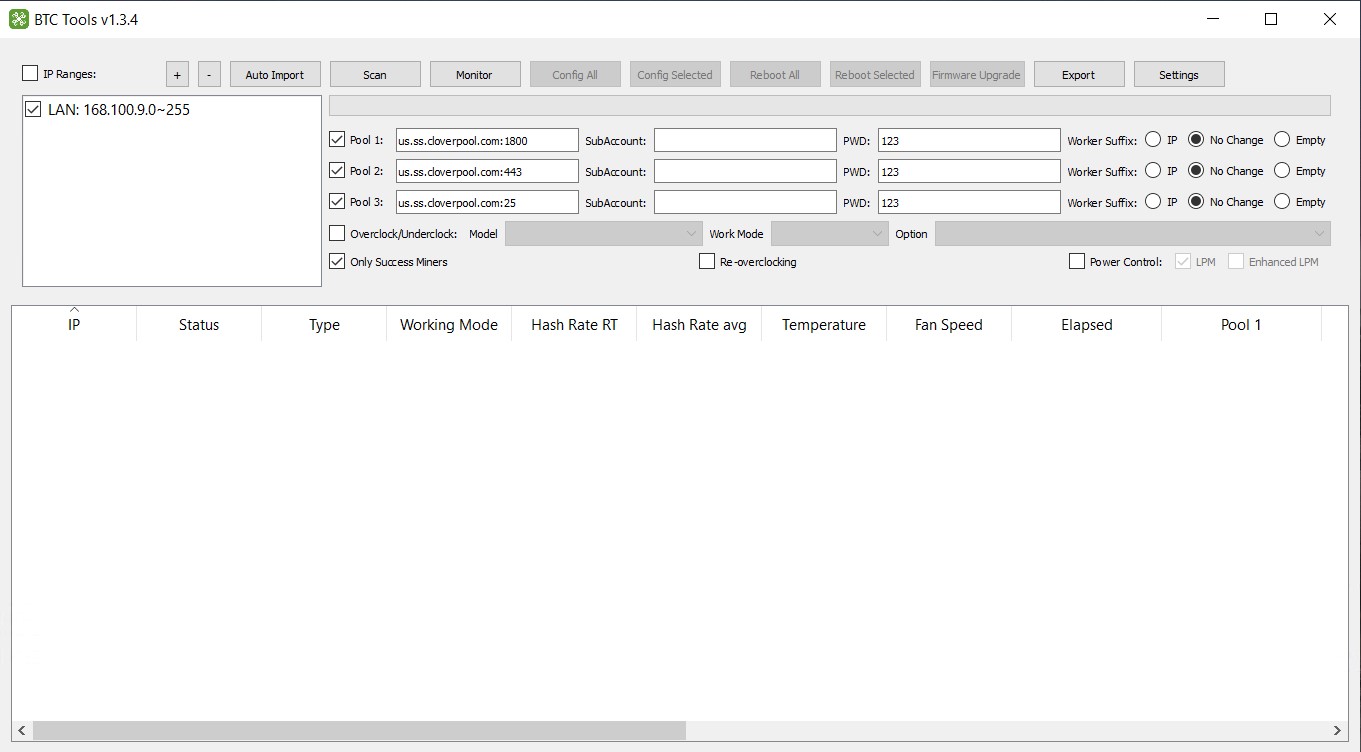
BTC Tools v1.3.4
- ZIP archive available (2 files inside).
- BTCTools-v1.3.4_x64.exe: recommended for 64-bit systems.
- BTCTools-v1.3.4_x86.exe: version for 32-bit systems.
Previous Windows Version
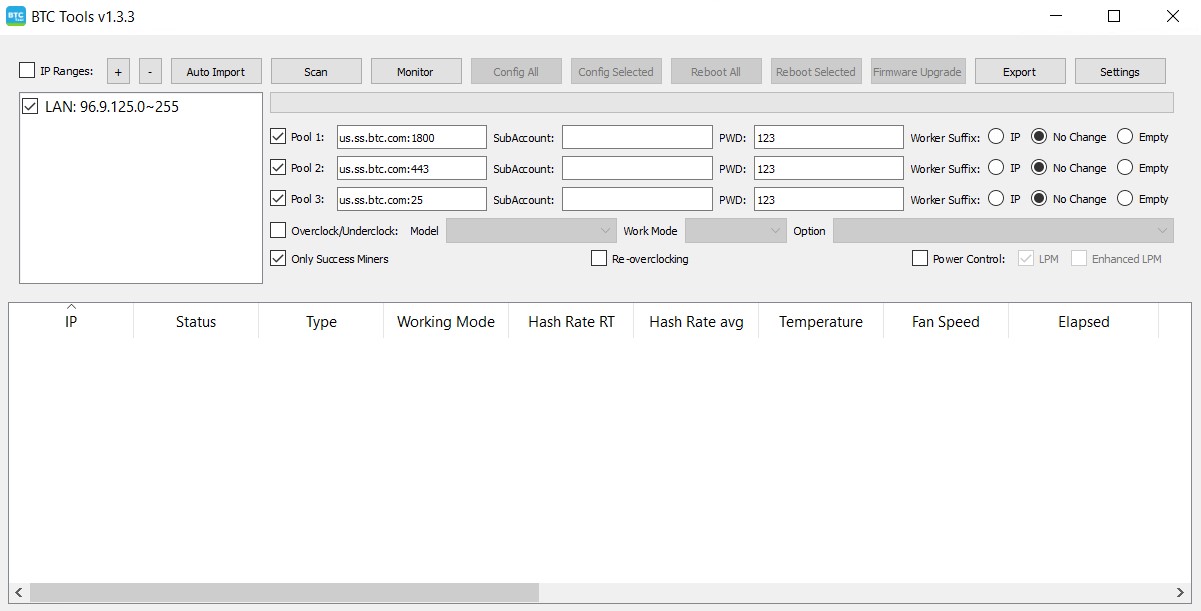
BTC Tools v1.3.3
BTC Tools v1.3.3 is the previous version of the software. It is available for download as a ZIP archive and contains one executable file: BTCTools-v1.3.3.exe. If BTC Tools v1.3.4 is incompatible with your miner for any reason, you can try installing version v1.3.3.
How to Install BTC Tools on Windows
The installation and launch process is very simple:
- Download the latest version (v1.3.4) or the previous version (v1.3.3).
- Extract the ZIP archive to any convenient location on your PC.
- Run the required .exe file.
The program is ready to use immediately – no system installation is required.
BTC Tools runs locally and does not make any changes to Windows system files.
How to Install BTC Tools on Linux
For quick installation, copy and run the following command in the terminal:
sudo snap install btctoolsOr visit the website Snapcraft to install the Linux version.
After the installation is complete, BTC Tools will appear in the list of installed applications.
Linux Version Notes
Please note the following:
- Linux updates on Snapcraft have not been released since the last publication on March 5, 2022, unlike the Windows versions.
- Some features may differ slightly from the latest Windows versions.
How to Install BTC Tools on macOS
BTC Tools can be installed on macOS in a similar way to Linux. The latest available version for macOS is BTC Tools v1.3.3.
First, install the required libraries using Homebrew:
brew install cmake boost openssl lua@5.1 cryptopp
Then build and install BTC Tools:
cmake -DCMAKE_INSTALL_PREFIX=/opt/btctools -DBTCTOOLS__LIB_TYPE=STATIC -DBTCTOOLS__LUA_TYPE=NORMAL ..
make
make install
Previous BTC Tools Versions
Earlier versions v1.3.0, v1.3.1, and v1.3.2 were released previously. These versions are no longer available for download. Currently, only v1.3.3 and v1.3.4 are available. We recommend using the latest version for the best stability and performance.
Windows vs Linux vs macOS Versions
Windows Version Benefits
- Latest v1.3.4 with support for new ASIC models.
- Both x64 and x86 versions included in one ZIP archive.
BTC Tools is the main application for full-featured ASIC miner management.
Linux Version Benefits
- Latest stable version v1.3.3.
- Convenient installation via the Snapcraft service.
macOS Version Benefits
- Latest available version v1.3.3.
- Installation via Homebrew and manual build.
- Suitable for advanced users and developers.
Choose the version that fits your needs and start monitoring your ASIC miners reliably today.
BTC Tools Help
If you encounter any issues during installation or while using BTC Tools, you can visit the help page to find solutions to your problems. On this page, you will find common issues and step-by-step instructions to resolve them.
You can also return to the main page to learn more about BTC Tools.